Professional Mat Pilates on Zoom — easy to book.
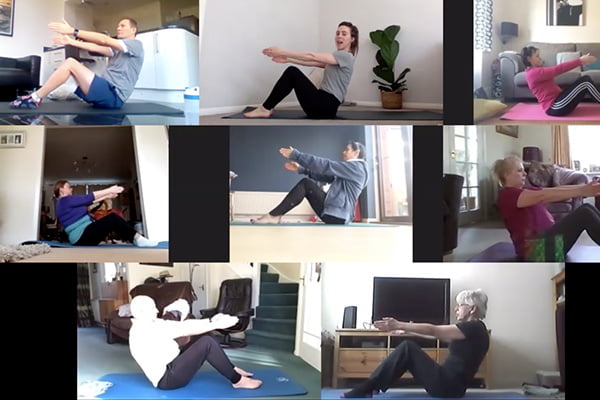
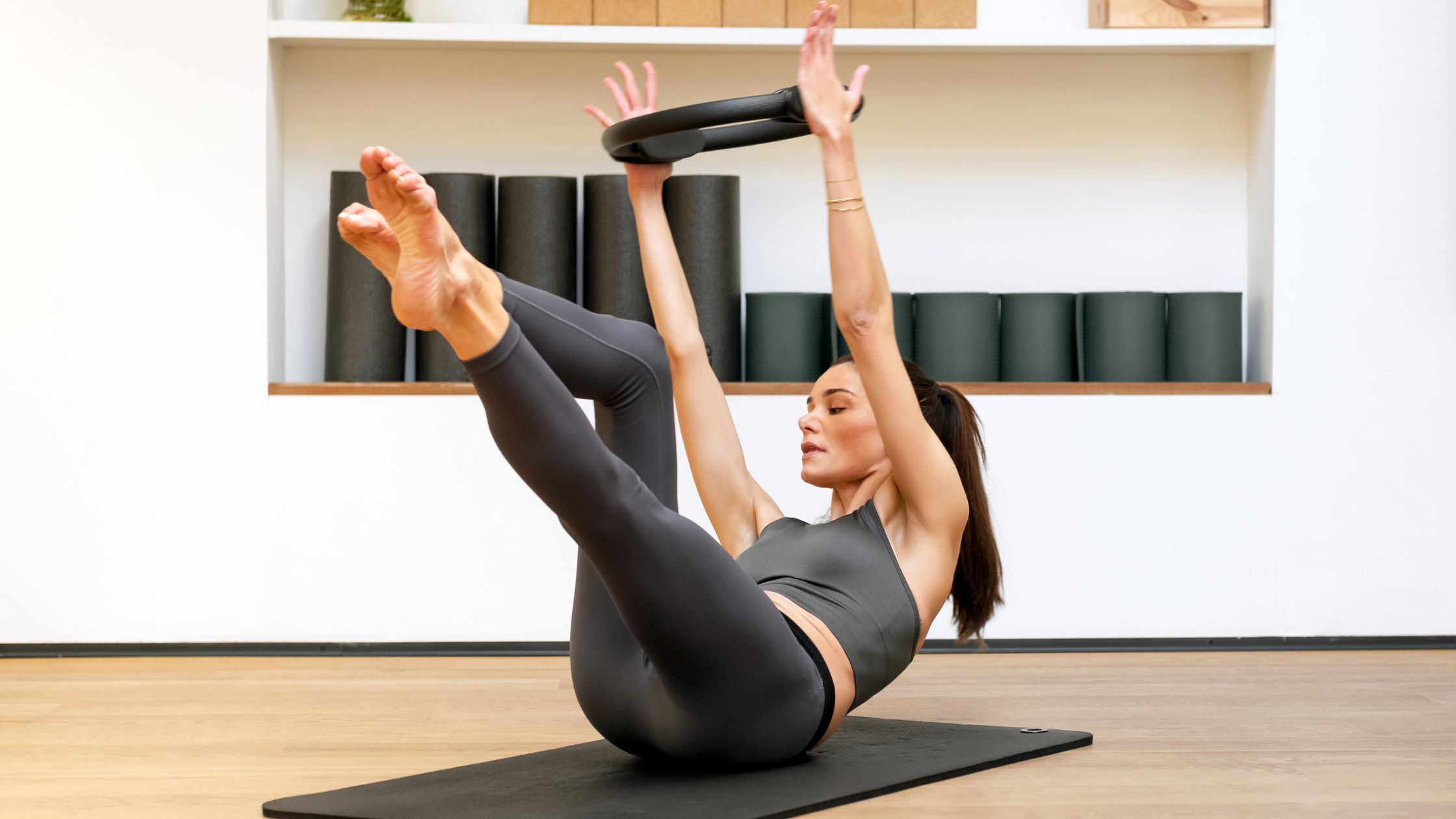
Live online Mat Pilates with Debbie. Clear instruction, smart progressions, and a supportive approach — whether you’re building strength, improving mobility, or returning to movement safely.
What you’ll need
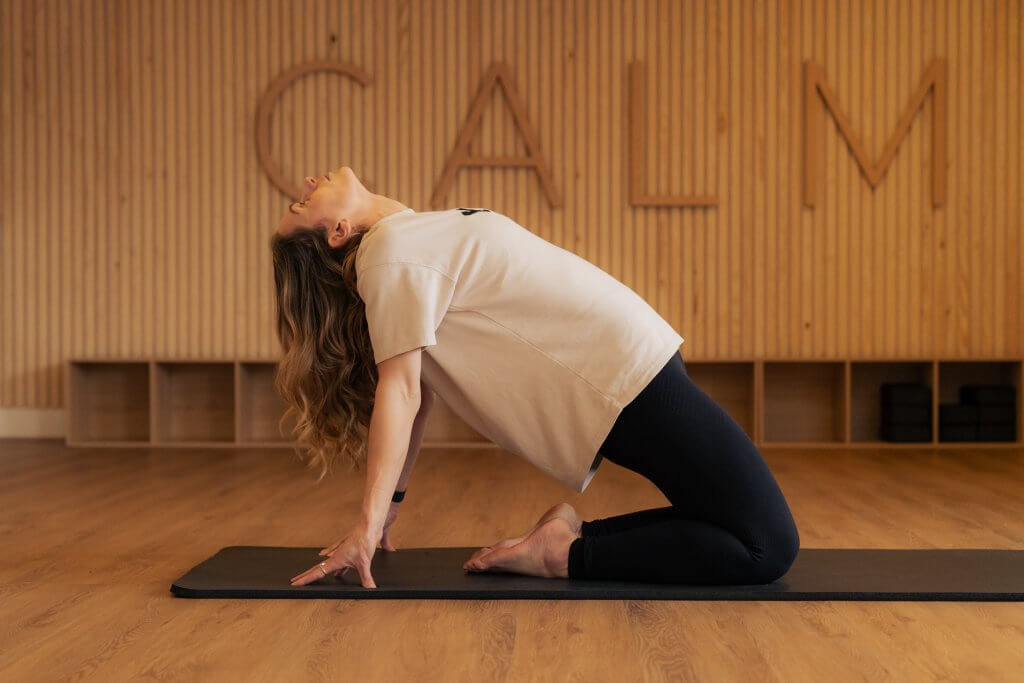
Mat, comfortable clothes, a little space, and a stable internet connection.
About Debbie
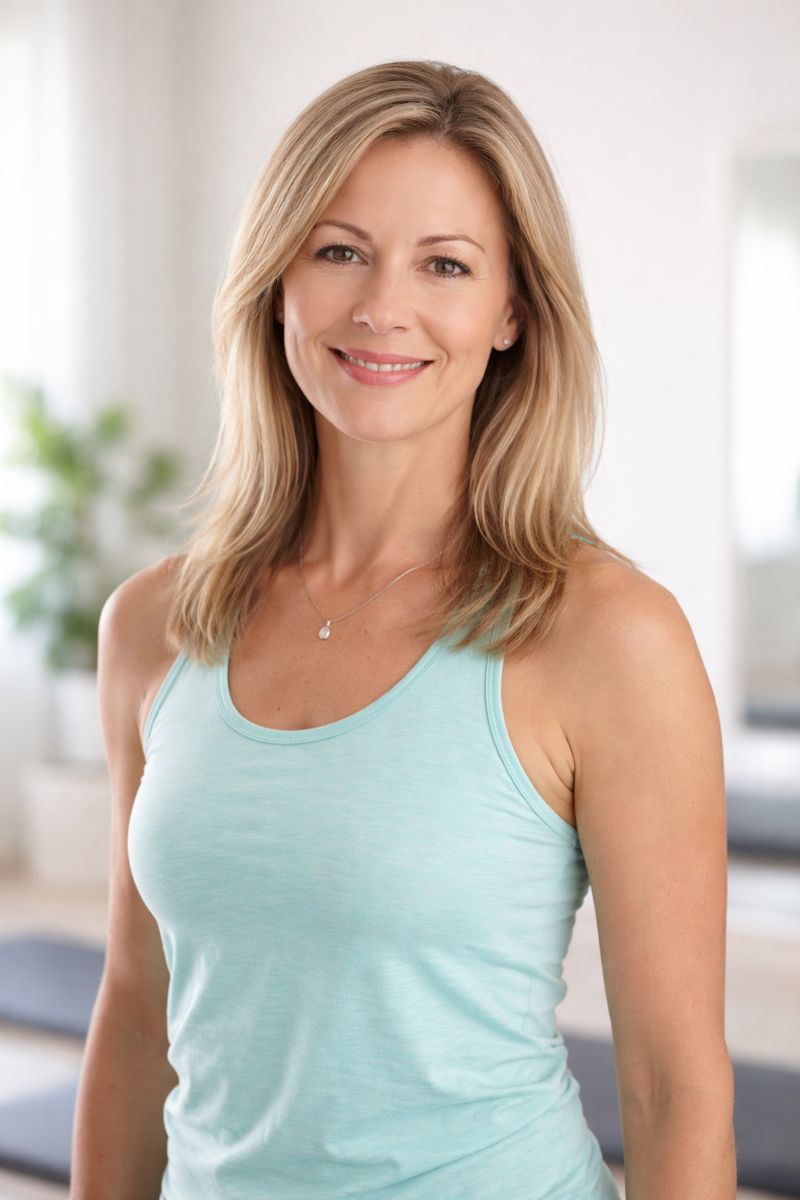
STOTT Pilates qualified (Mat & Reformer) with over 20 years’ teaching experience. Debbie focuses on technique, alignment, and safe progress — with friendly, clear cueing.
How it works
New clients: evaluation first
We’ll assess goals, movement patterns, and any limitations — then place you into the right class level.
Existing clients: log in & book
Use the username & password provided to log in and book your Zoom classes quickly.
Join on Zoom
After booking, you’ll receive confirmation with Zoom details. Join a few minutes early to get set up.
Book online
New Client Evaluation
Required for anyone new to Debbie Pilates. This ensures you’re safe, confident, and getting the best results.
Book EvaluationExisting Clients
If you already train with Debbie, log in with your username & password to book your current Zoom classes.
Log in & BookBook from your phone (Setmore)
You can book in your browser, or use the Setmore app for quick re-booking and reminders.
- Download the Setmore app (iOS or Android).
- Open your booking link (from this website or your reminder email/text).
- Log in (existing clients) and save Debbie Pilates for quicker future bookings.
Prefer not to install an app? No problem — you can always book through the links on this page.
FAQ
Why do new clients need an evaluation first?
It helps Debbie understand your goals, movement history, and any limitations, so you’re placed safely and get the best results.
How do existing clients book without an evaluation?
Existing clients receive a username and password. Use the “Existing clients” booking link to sign in and book.
What do I need for Mat Pilates on Zoom?
A mat, comfortable clothing, a stable internet connection, and enough floor space to extend arms and legs.
How do I join the Zoom session?
After booking, you’ll receive confirmation with the Zoom details. Join a few minutes early to get set up.
I’m new — where do I start?
Start by booking a New Client Evaluation. After that, Debbie will guide you into the right class level.